From first booking to paid, in one place
A booking page, your calendar, your client list, reminders, payments, and a native iOS app. Set up in an afternoon, not a migration project.
Share your booking page


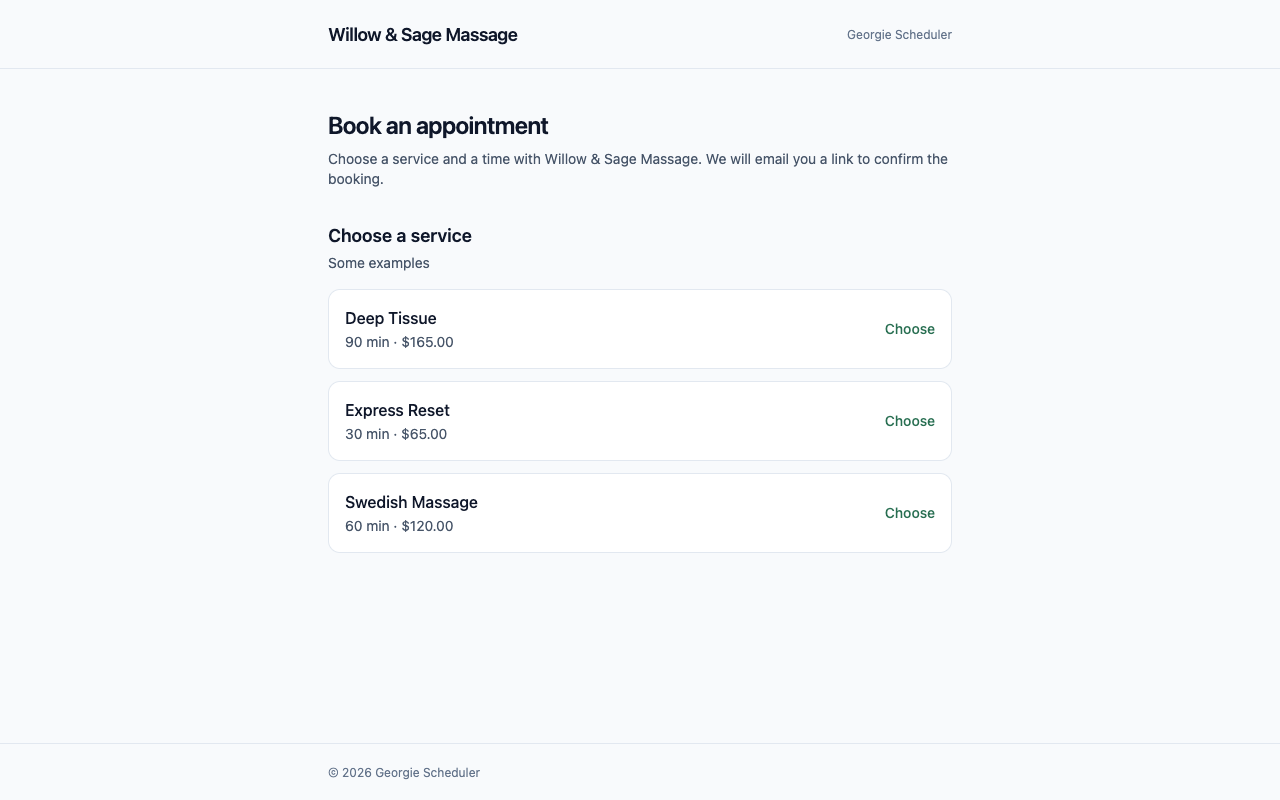
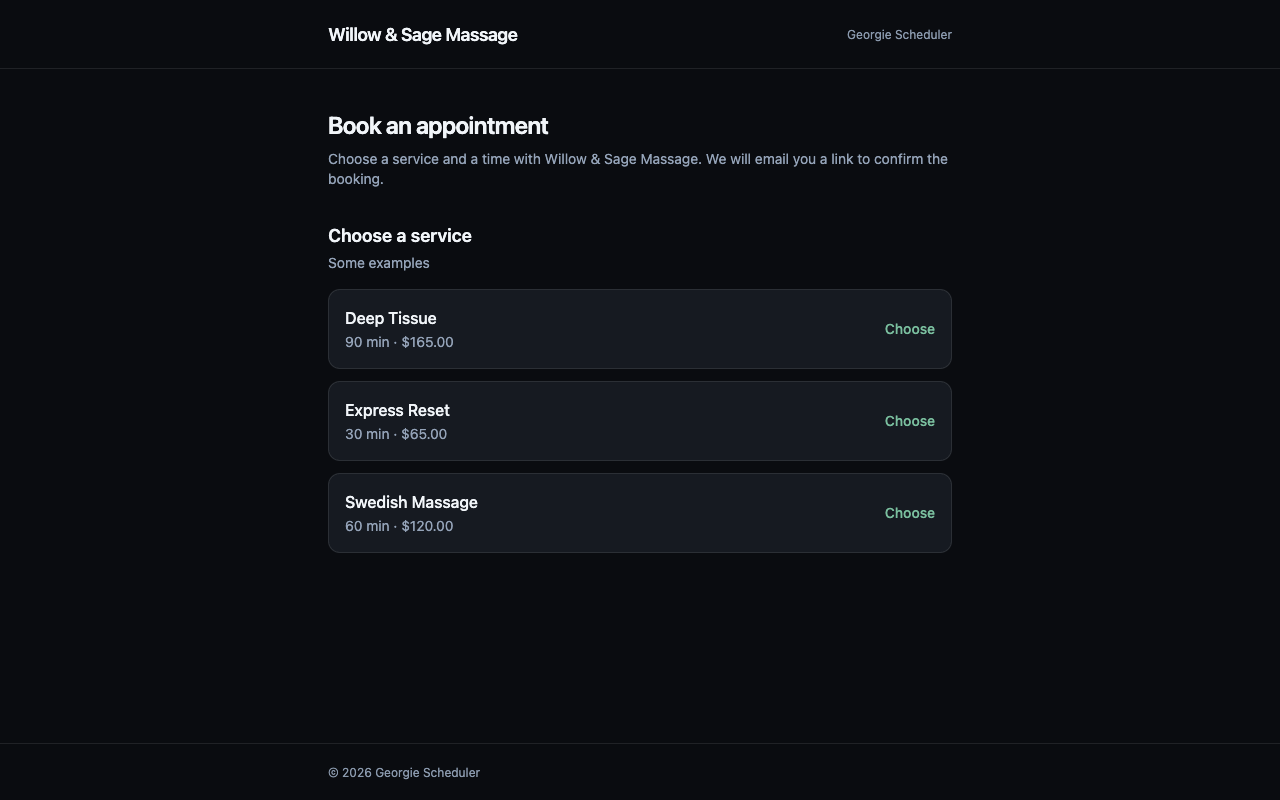
Send clients one link. They see your services, pick a time that fits your hours, and you both get the details. No deposit app to bolt on, no booking over DMs.
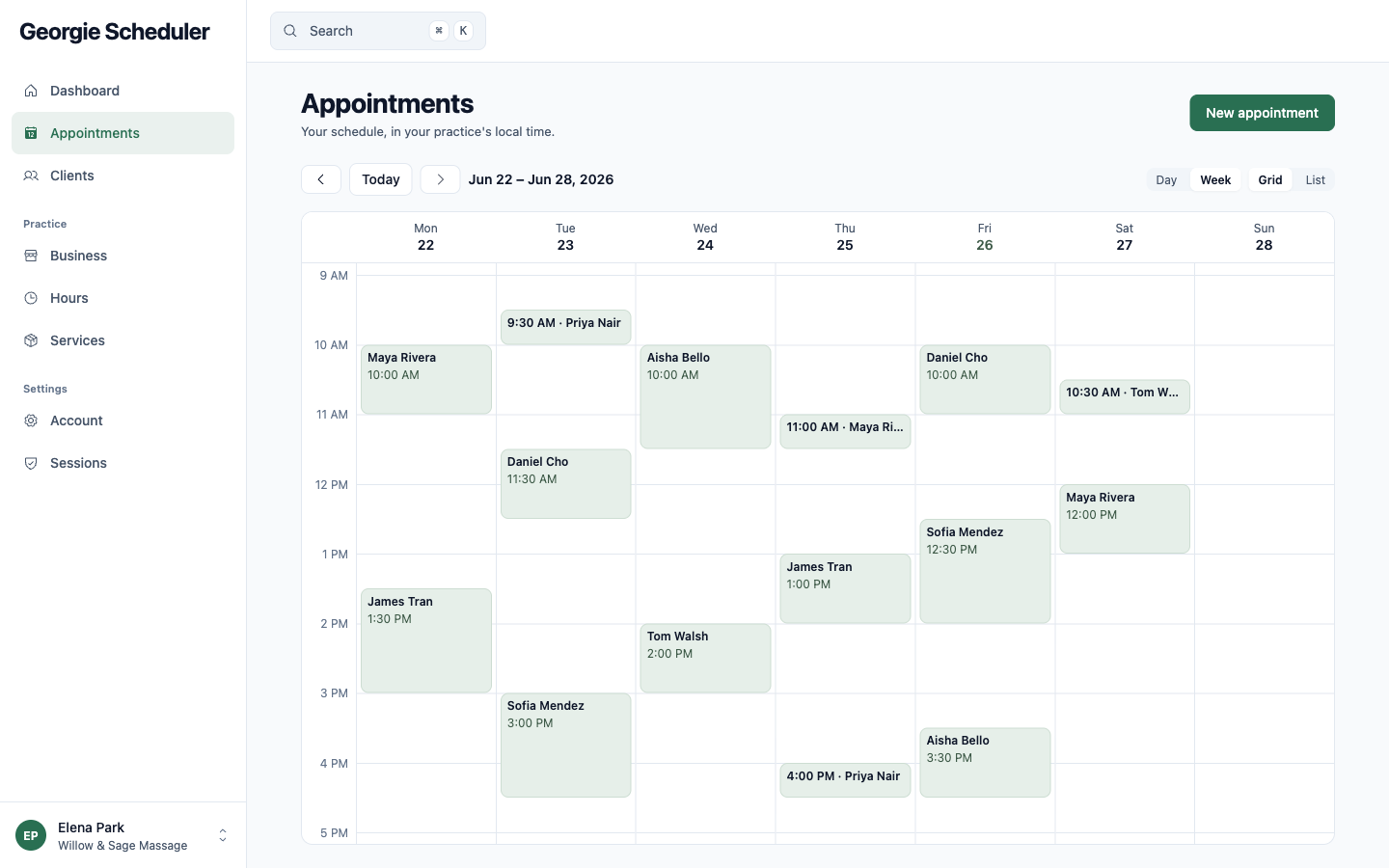
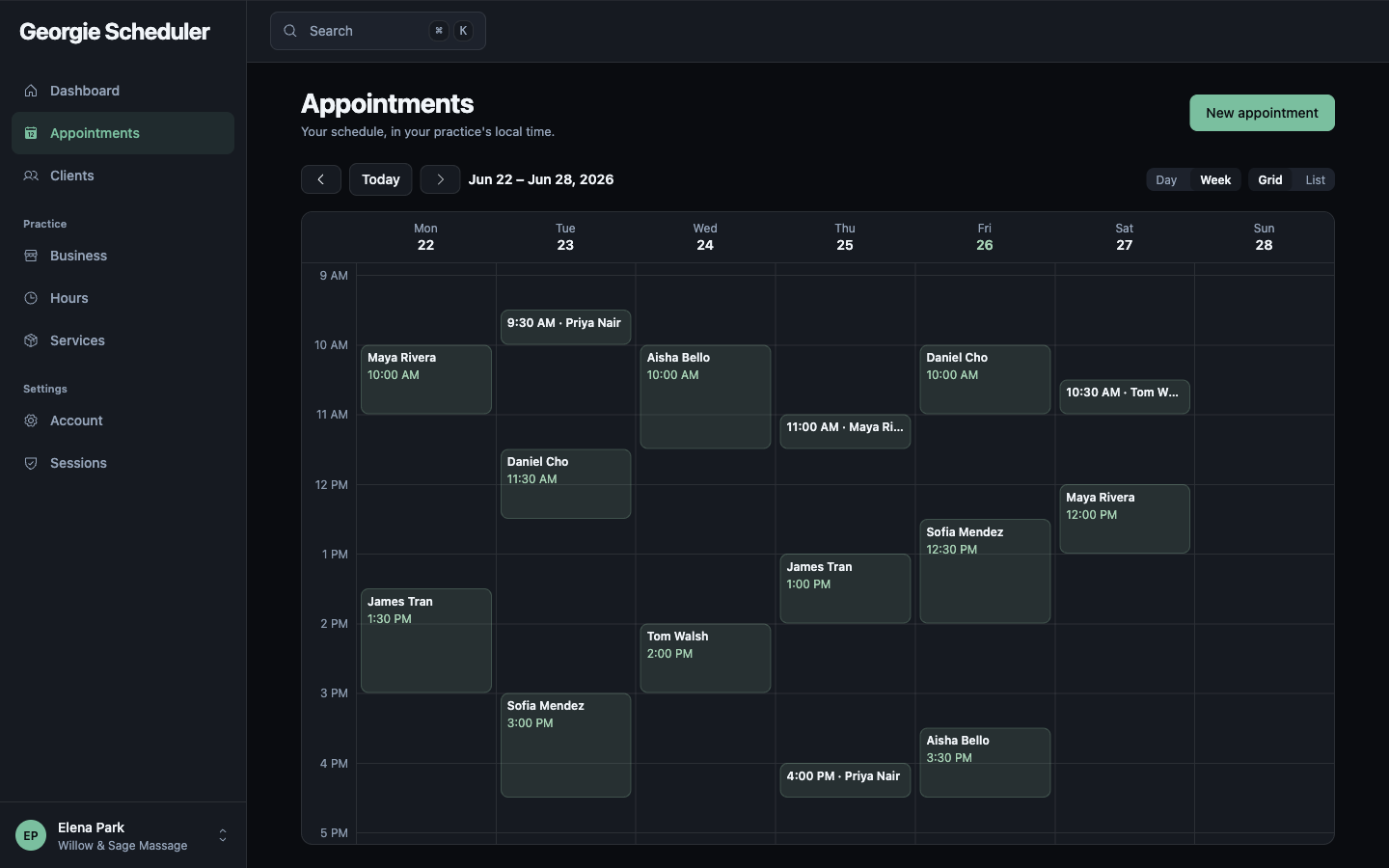
Run your day and week
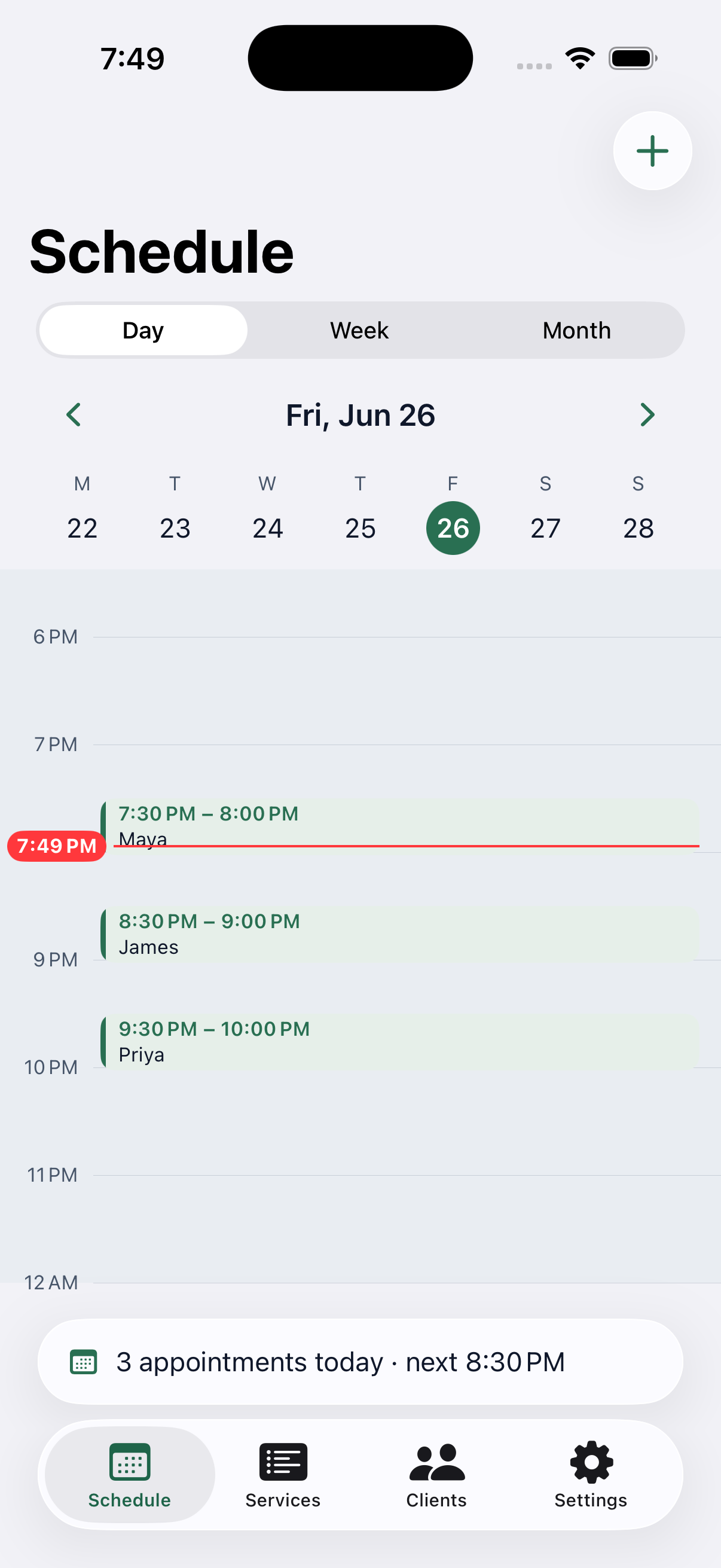
Your whole schedule in your practice's time zone — day, week, or month. Tap a slot to book, drag to reschedule, and a live line marks where the day is right now.
Keep every client close
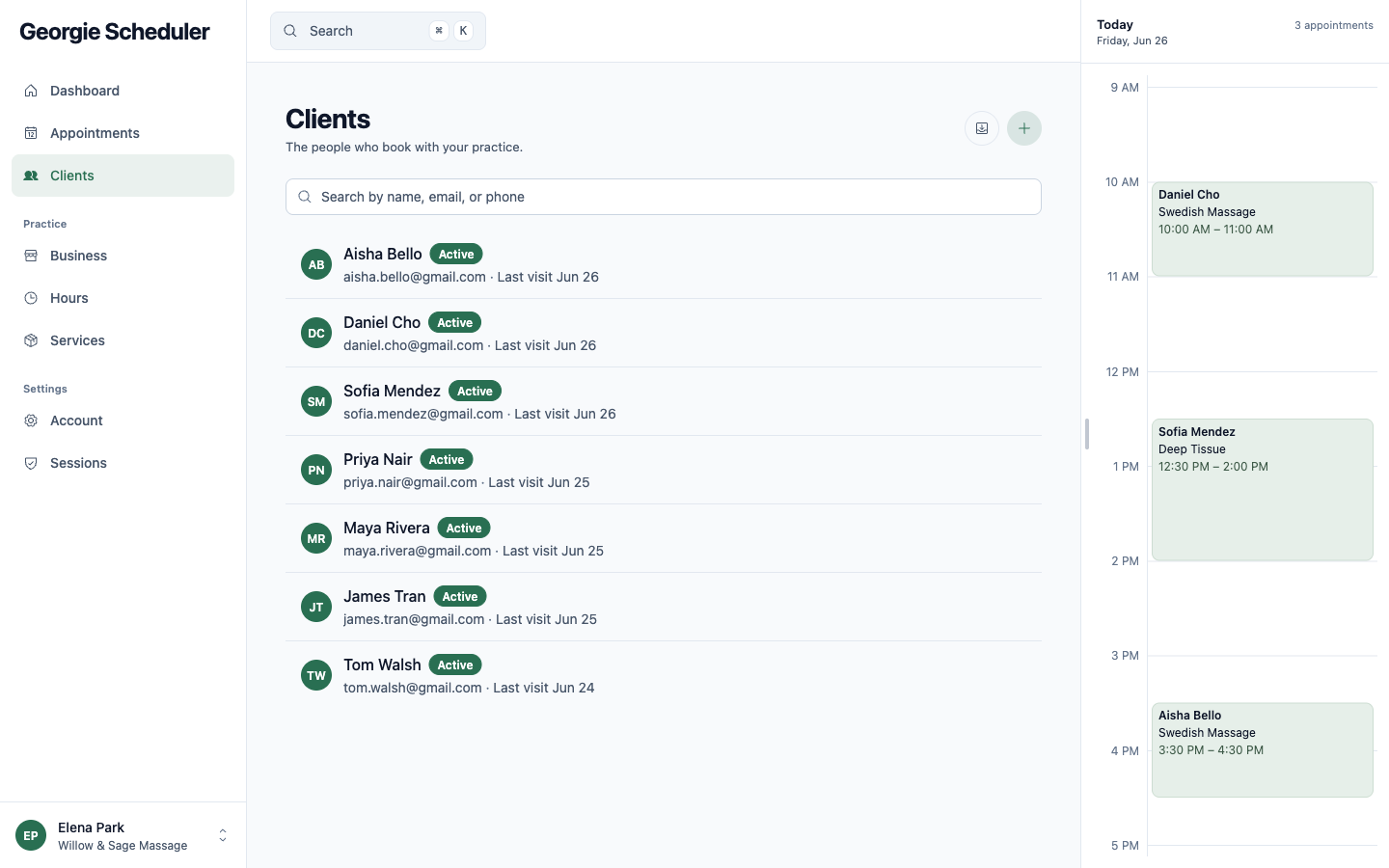
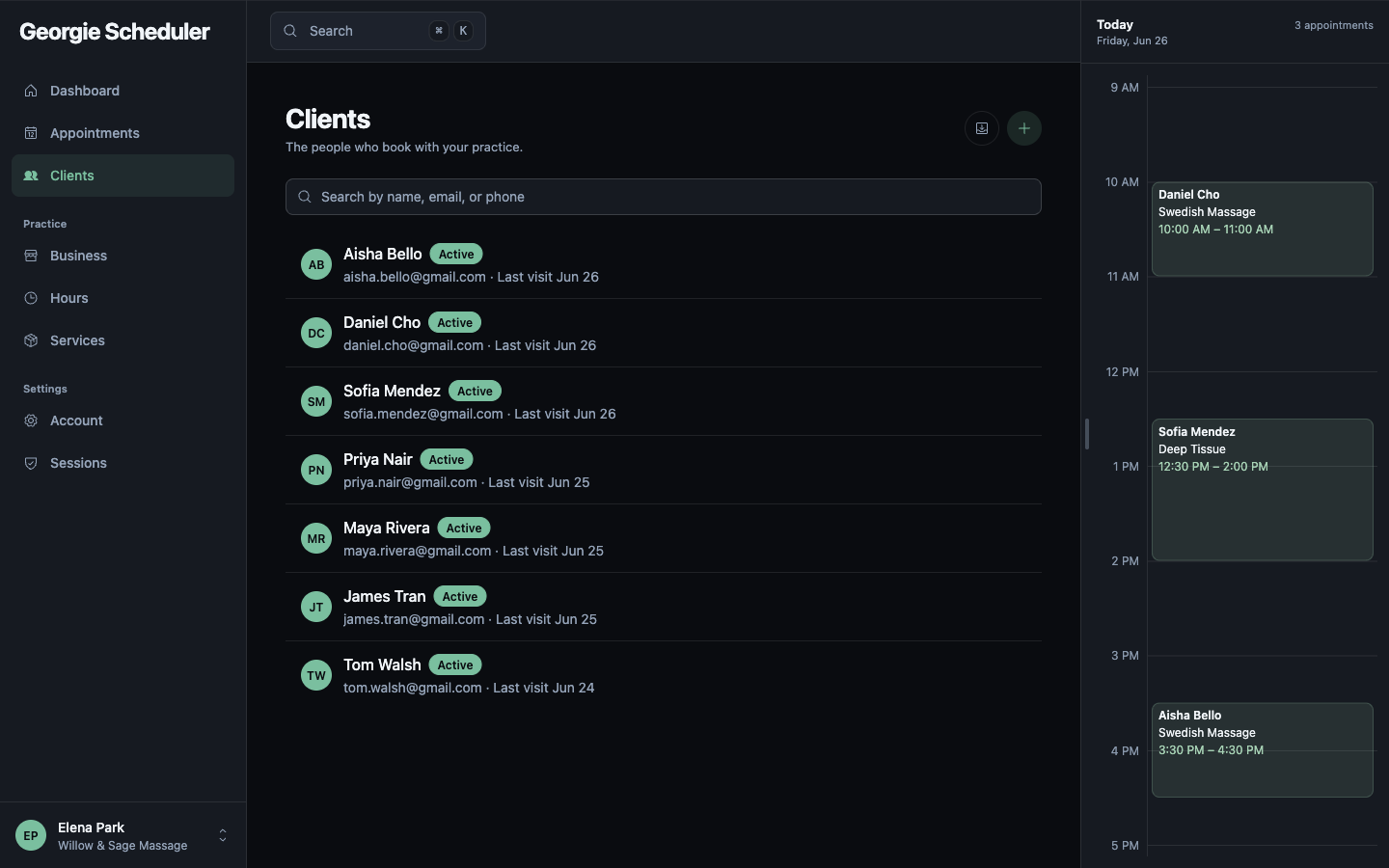
Every client, their details, and what's next, all searchable, with the day's appointments alongside. Bring your existing list over from a CSV in a few minutes.
Your practice in your pocket
The native iOS app shows today at a glance. Check the schedule, take a booking, or see who's next, between clients or on the way home.
The parts you'd rather not think about
Automatic reminders
Georgie reminds each client before their appointment, carrying your name and booking link. Fewer no-shows, no back-and-forth.
Payments, arriving at launch
Clients pay the day of the session and the money lands in your account. No platform fee, no percentage — just Stripe's standard processing, at cost.